

Room settings
Open a room by clicking its name on the Rooms page. The tabs of the room page:
| Tab | Contents |
|---|---|
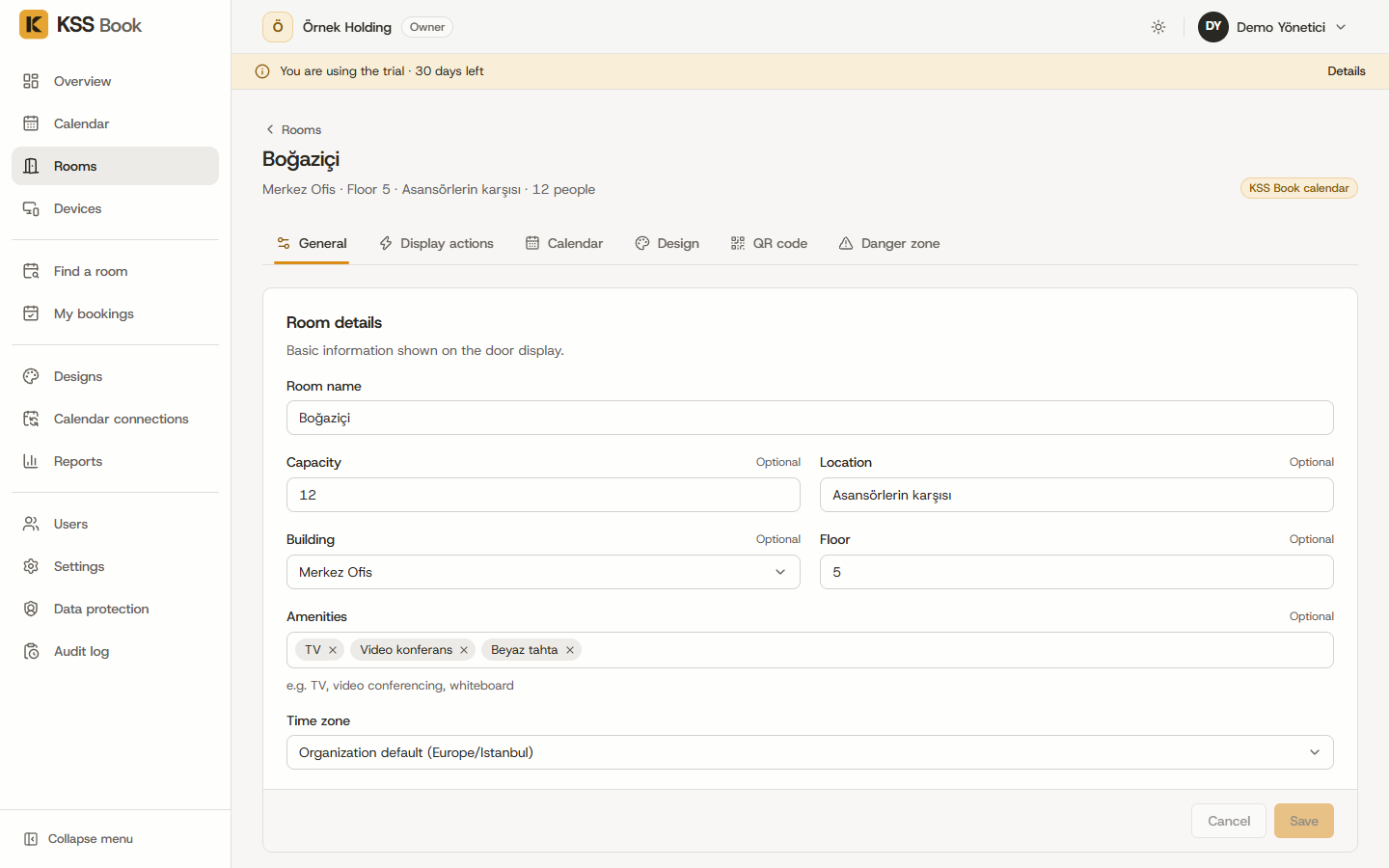
| General | Room details: name, capacity, location, building, floor, amenities, time zone |
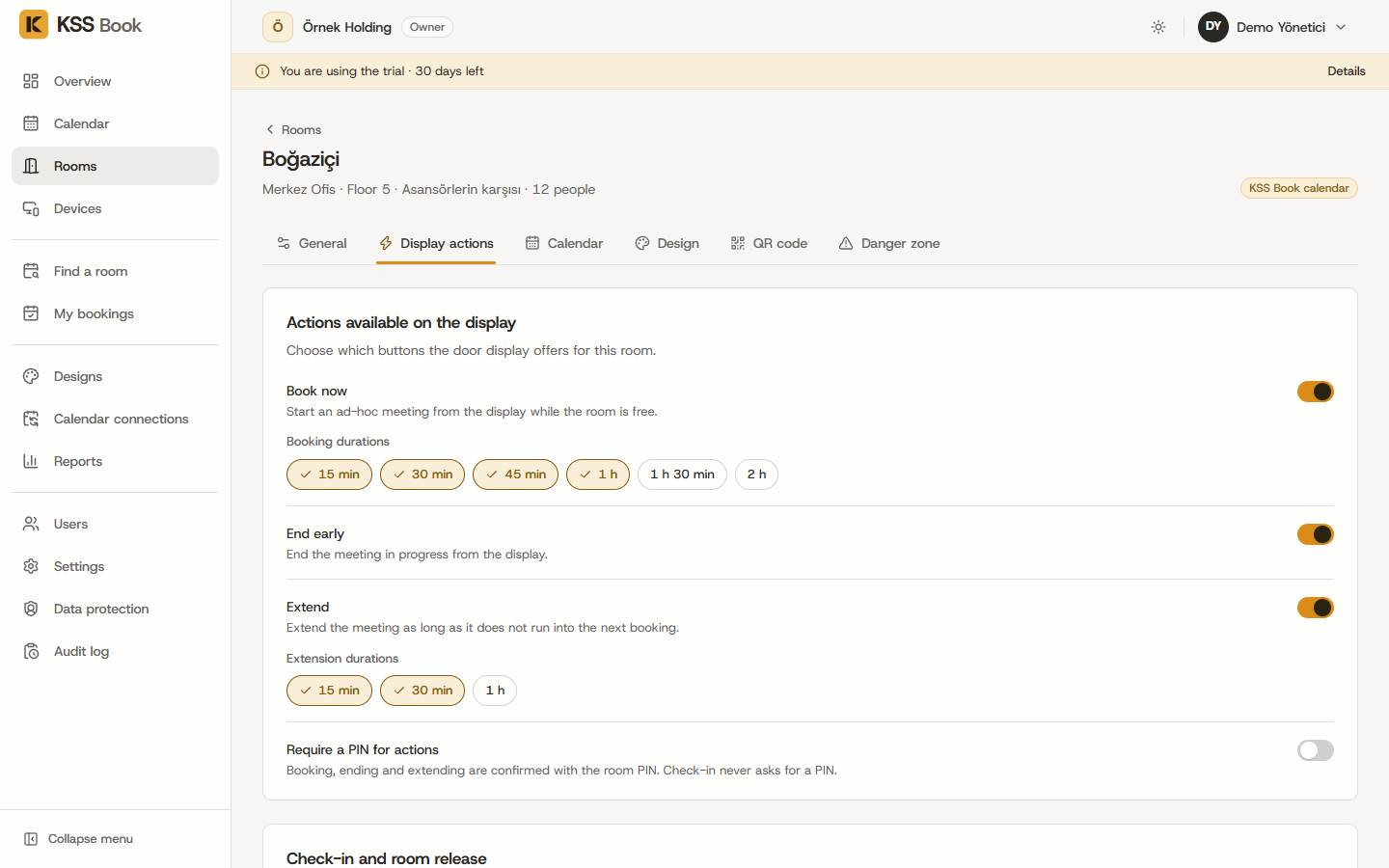
| Display actions | Book now, End early, Extend, PIN, check-in, Night mode |
| Calendar | Calendar source, room-specific Booking rules and the bookings |
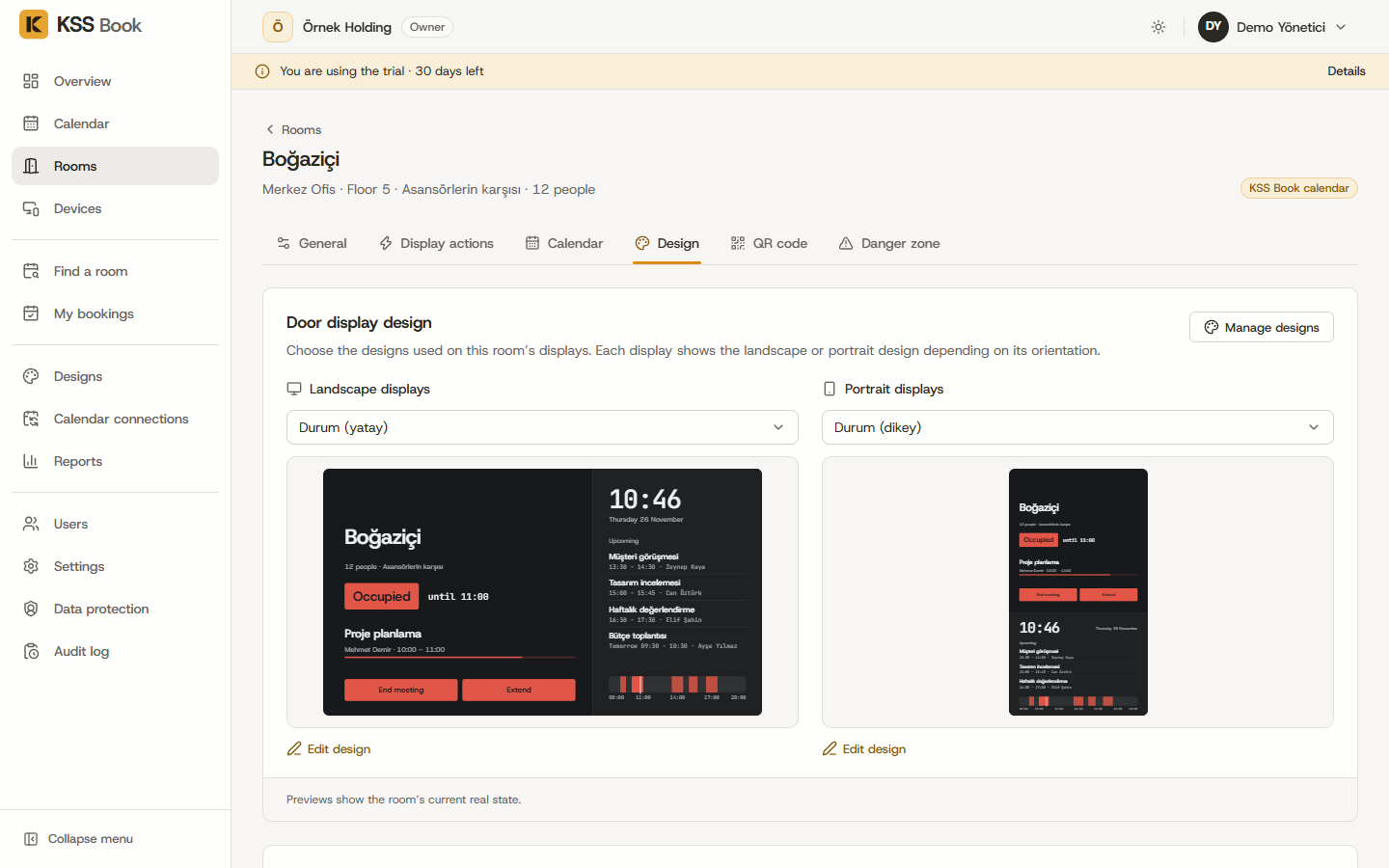
| Design | Door display design for landscape and portrait displays |
| QR code | Mobile room page and QR printouts |
| Danger zone | Delete room |
General
The basic details shown on the door display. Save changes with Save.
Display actions
Choose which buttons the door display shows, the PIN, check-in and night mode on this tab. Details: Display actions.
Calendar
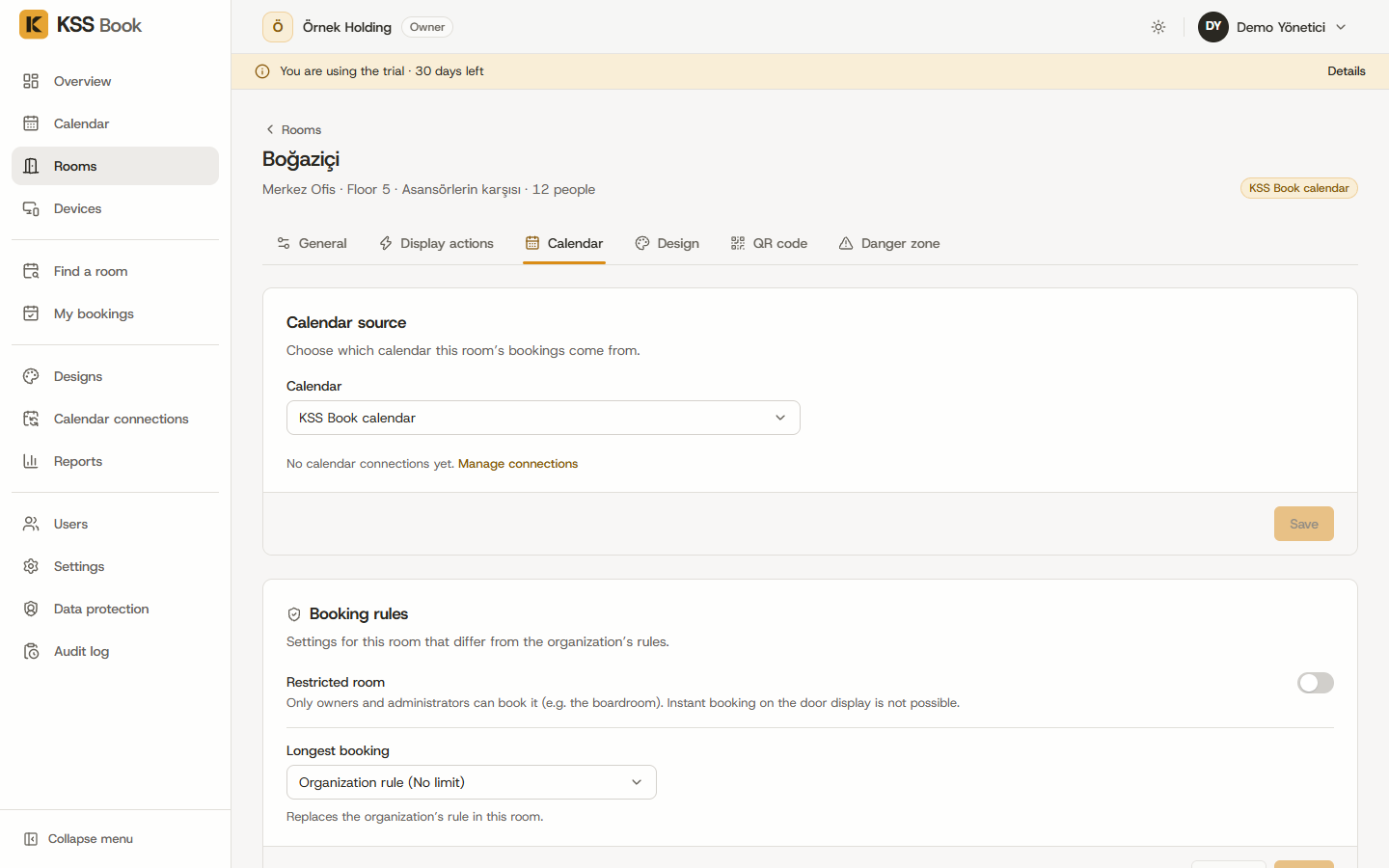
- Calendar source: where the room's bookings come from: the KSS Book calendar or a calendar connection (Microsoft 365, Google Workspace, Exchange). With a connection, enter the room's mailbox or resource address. When the source changes, bookings from the previous calendar disappear from the door display.
- Booking rules: settings for this room that differ from the organization's rules.
- Restricted room: only owners and administrators can book the room (e.g. the boardroom). The door display offers no instant booking.
- Longest booking: the limit that applies to this room instead of the organization's rule.
- Bookings: today and the next 6 days. Add booking adds a booking; Add demo bookings adds sample meetings for today so you can try the door display. For rooms on a connected calendar, Sync now syncs at once.
Organization-wide rules: Rules and holidays.
Design
Choose a design for Landscape displays and Portrait displays. Without a design the room shows the Standard template. Details: Designs.
QR code
The QR code for the door and the room page that opens on a phone: QR room page.
Danger zone
Delete room deletes the room together with its booking history. Displays assigned to it become unassigned. This cannot be undone.