

Reports
The Reports page shows how much and how the rooms are used. Choose the date range (This week, Last week, Last 30 days, This month, Last month, Custom range) and the rooms at the top.
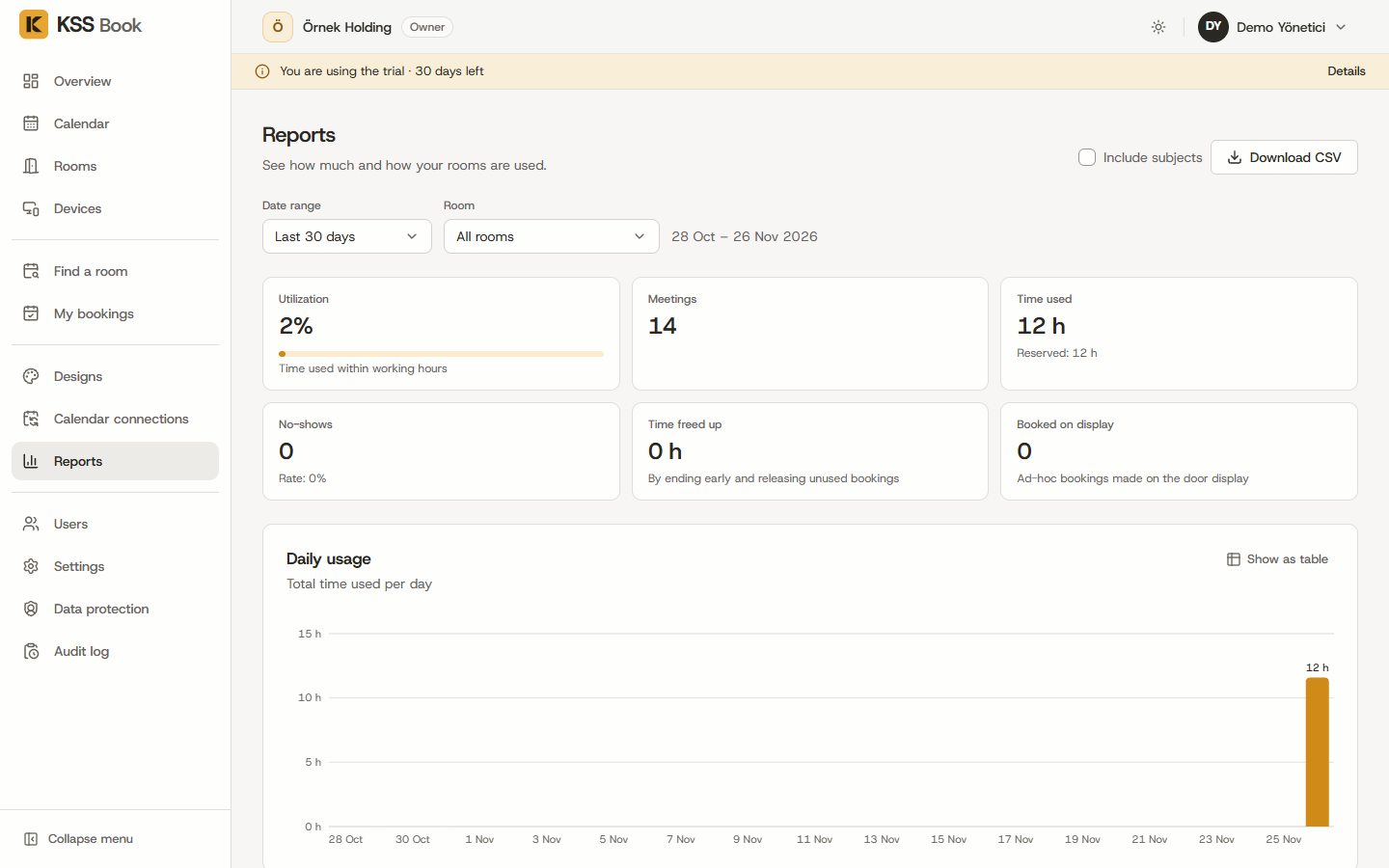
What is shown?
- Summary cards: Utilization (time used within working hours), Meetings, Time used, No-shows, Time freed up (through ending early and released bookings), Booked on display.
- Charts: Daily usage, Weekly usage and Busy hours. Each chart can be turned into a table with Show as table.
- Room comparison and Top organizers (the 20 people who organize the most meetings).
CSV export
Download CSV (administrators and owners) downloads the bookings of the chosen range. With Include subjects the meeting subjects are added. Downloaded files are your organization's responsibility.
How it is calculated
- Reports follow the working hours and holidays.
- Meetings anonymized after their retention period stay in the statistics, but without the organizer (Security and data protection).